
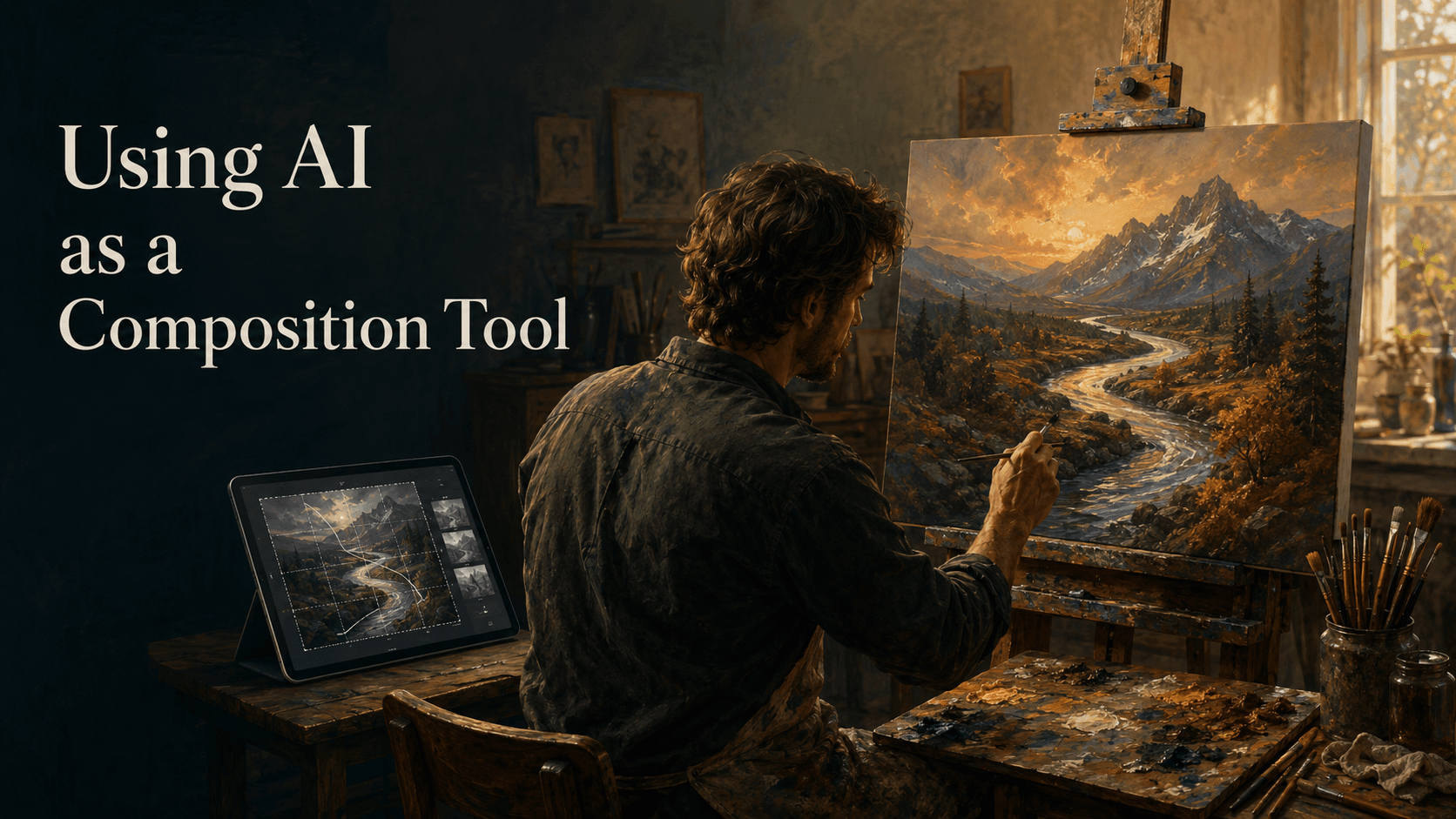
For centuries, artists have used technology to sharpen their compositions. The Old Masters used the camera obscura to map out perspective; 20th-century realists used photography to freeze light. Today, the next evolution of the artist’s toolkit has arrived: Artificial Intelligence.
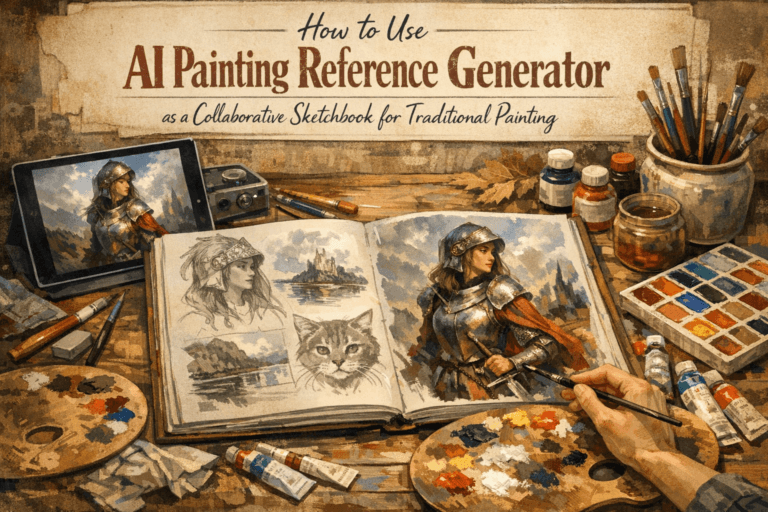
While much of the public debate around AI focuses on “finished” digital images, a more practical revolution is happening in the studios of traditional oil, acrylic, and watercolor painters. They are using AI as a generative sketchpad—a tool to solve the most difficult part of painting: the composition.
If you’ve ever stared at a blank canvas or felt that a landscape was “almost” right but lacked a focal point, this new workflow is for you.
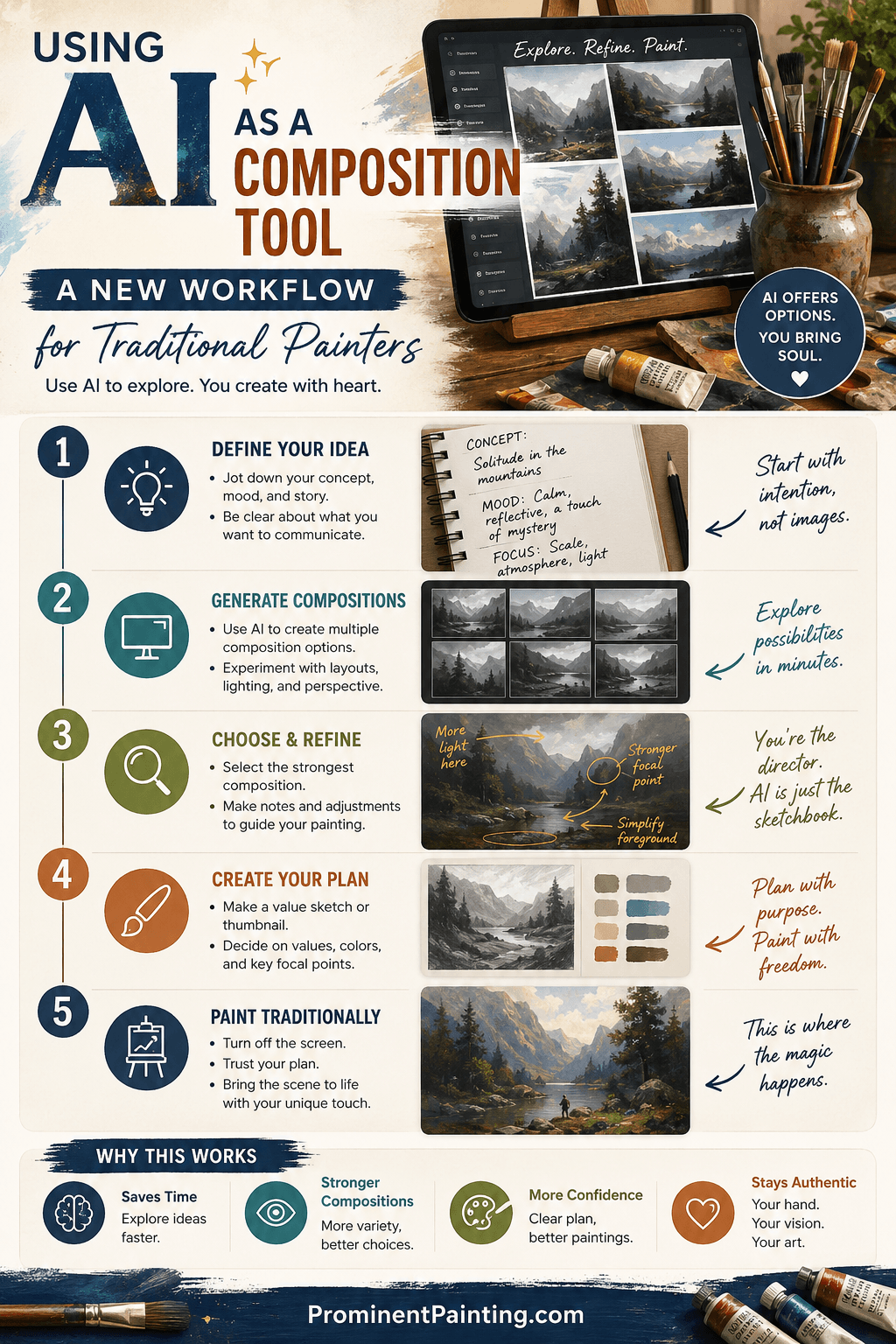
Why Use AI for Composition?
The traditional workflow usually involves sketches, thumbnails, and perhaps a reference photo. However, reference photos are often limited by reality. You might love a mountain range but hate the placement of the trees, or wish the light was hitting from the left instead of the right.
AI allows you to:
- Manipulate Lighting: See how a scene looks at “Golden Hour” versus a stormy afternoon in seconds.
- Test Scale: Instantly see if a large foreground element improves the “Rule of Thirds.”
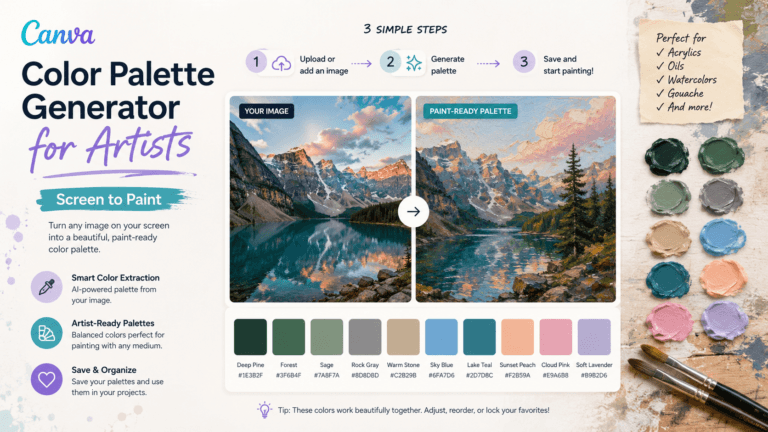
- Color Mood Boarding: Experiment with limited palettes or complementary color schemes before wasting expensive pigment on canvas.
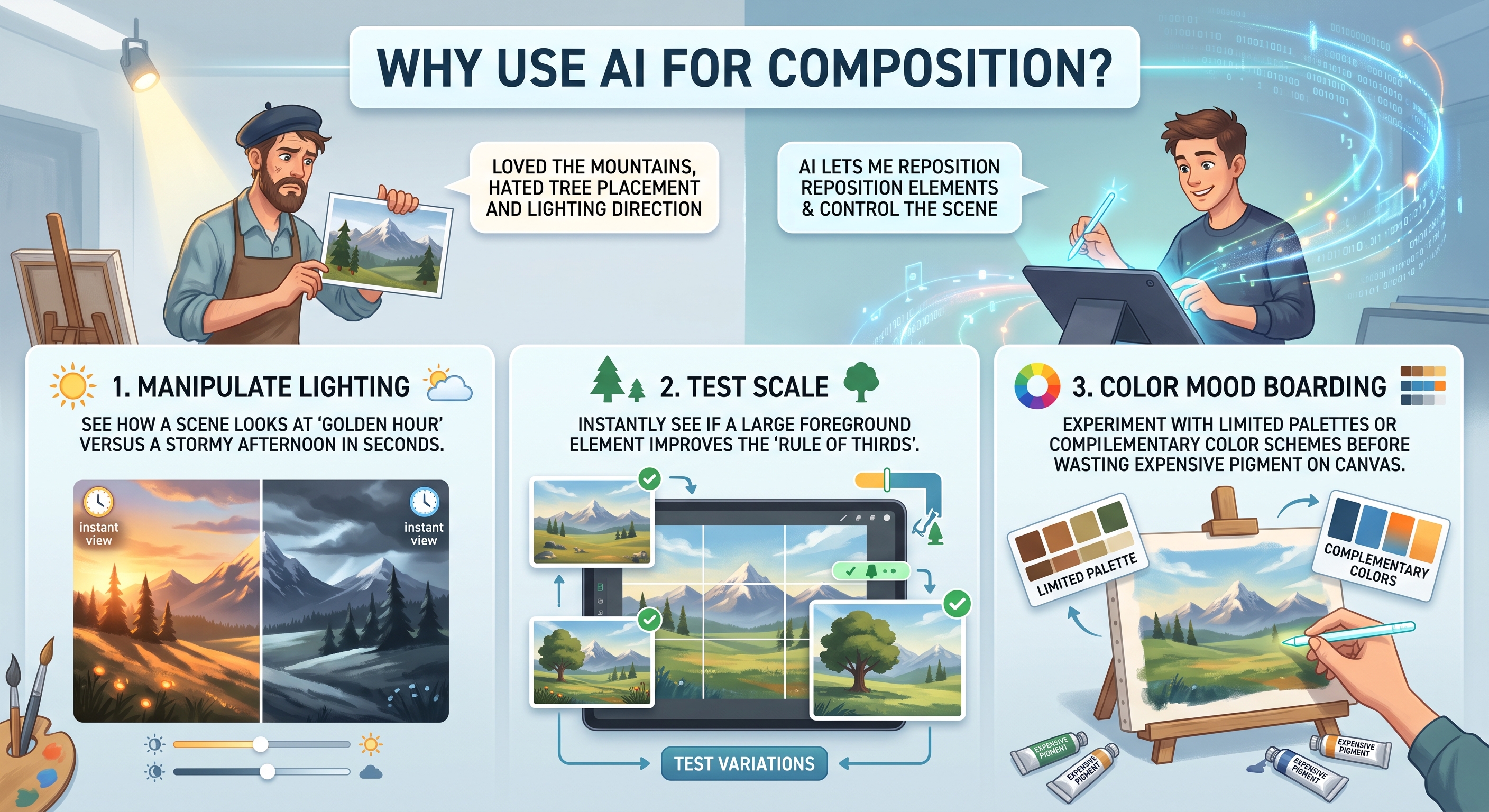
The New Workflow: 4 Steps to a Better Painting
Step 1: The “Digital Thumbnail” Phase
Instead of drawing ten different thumbnails by hand, use an AI generator (like Midjourney, DALL-E, or Stable Diffusion) to iterate on your idea.
The Goal: You aren’t looking for a “perfect” image; you are looking for a structure.
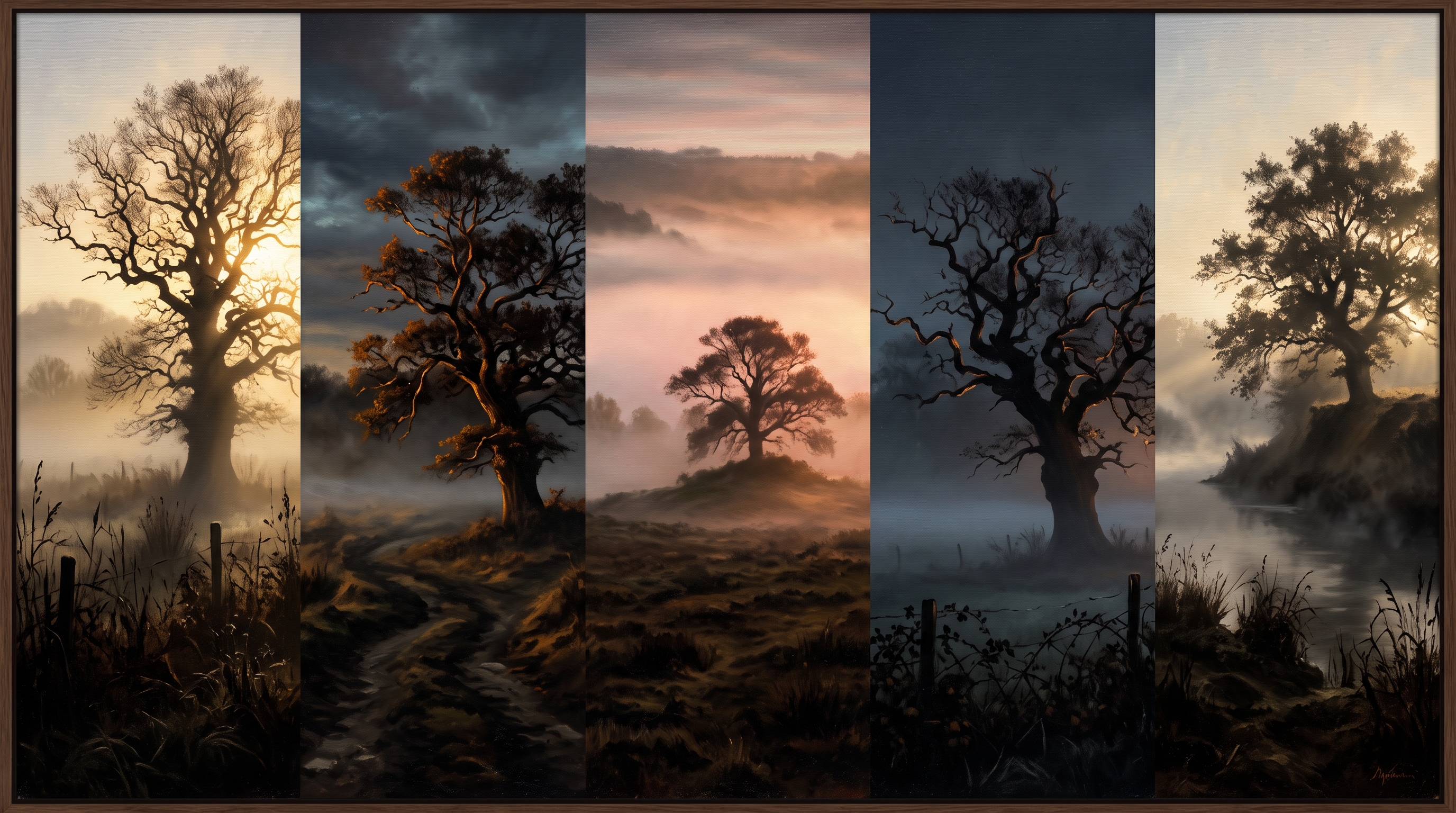
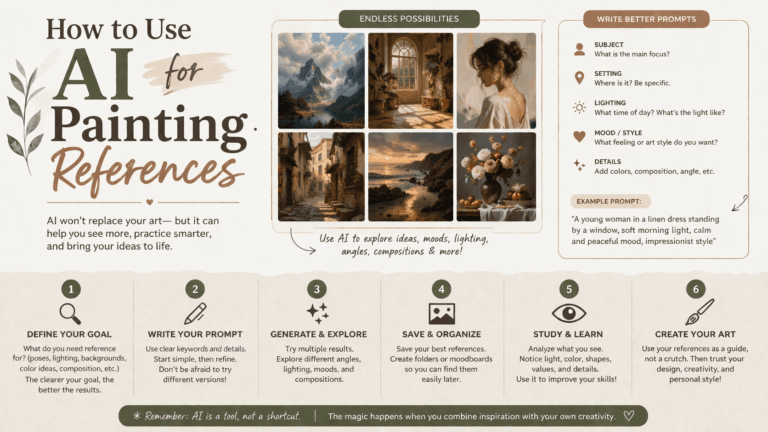
- Example Prompt: “A low-angle oil painting composition of a lone oak tree in a misty field, dramatic rim lighting, silhouetted foreground, 17th-century landscape style.”
By generating 20 variations of this prompt, you might find one where the tree is positioned perfectly to lead the eye through the frame—a composition you might not have thought of on your own.
Here are 5 examples generated in Gemini:
Step 2: “In-Painting” for Reference Control
One of the most powerful features for painters is “In-Painting” or “Generative Fill.” If you have a photo of a lighthouse but want to see how a crashing wave would look against the rocks, you can simply “paint” over the area in an AI tool and ask it to add the wave.
This allows traditional painters to create the perfect reference photo—one that follows the principles of art, rather than just what the camera captured.
For centuries, artists have used technology to sharpen their compositions. The Old Masters used the camera obscura to map out perspective; 20th-century realists used photography to freeze light. Today, the next evolution of the artist’s toolkit has arrived: Artificial Intelligence.
While much of the public debate around AI focuses on “finished” digital images, a more practical revolution is happening in the studios of traditional oil, acrylic, and watercolor painters. They are using AI as a generative sketchpad—a tool to solve the most difficult part of painting: the composition.
If you’ve ever stared at a blank canvas or felt that a landscape was “almost” right but lacked a focal point, this new workflow is for you.
Step 3: Color Harmony Testing
Before you squeeze out your tubes, upload your chosen AI-generated composition into a simple photo editor or use the AI to suggest “color variations.”
Ask the AI to:
- “Render this scene in a monochromatic blue palette.”
- “Apply a Fauvist color scheme with high-saturation oranges and purples.”
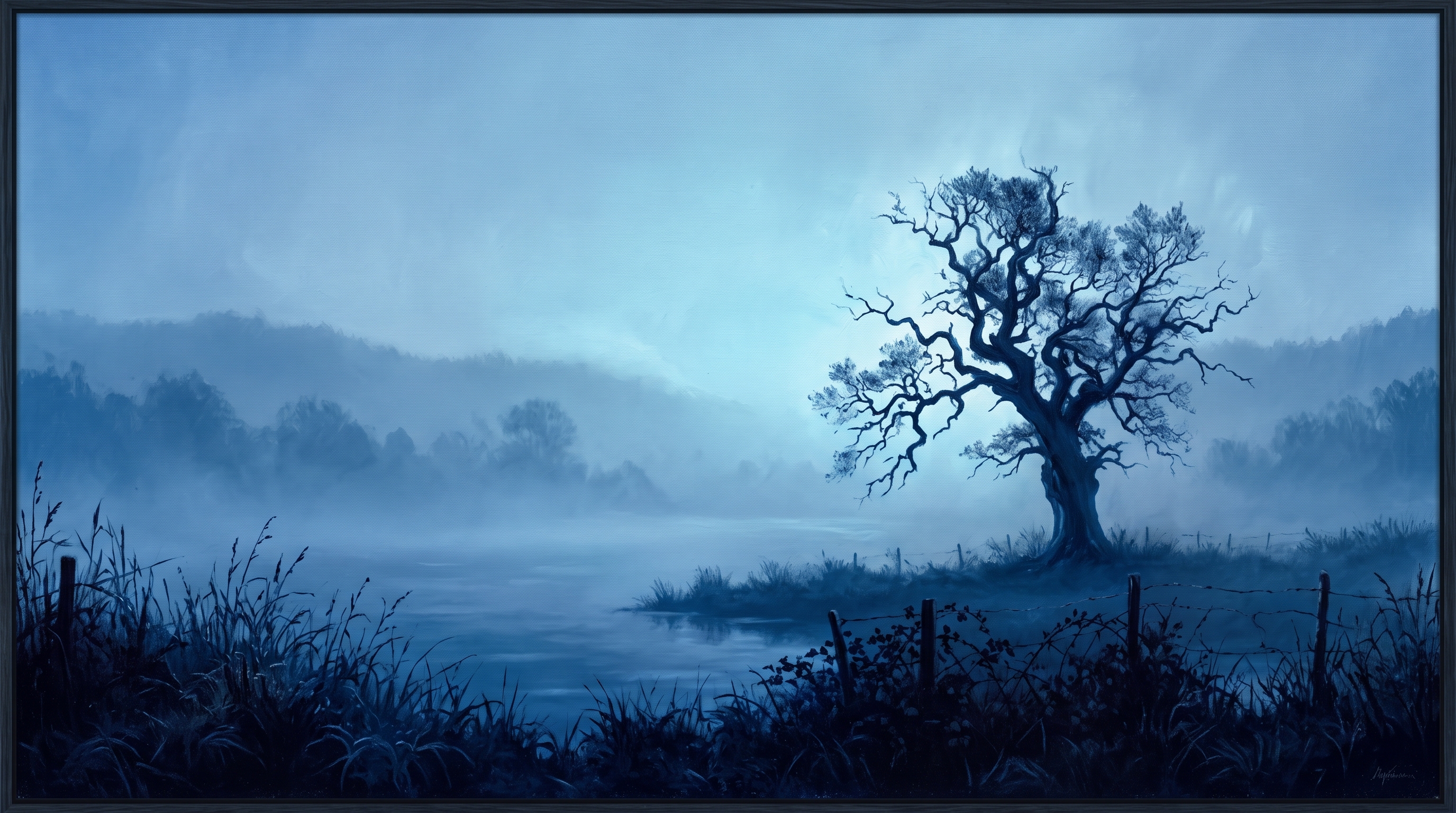
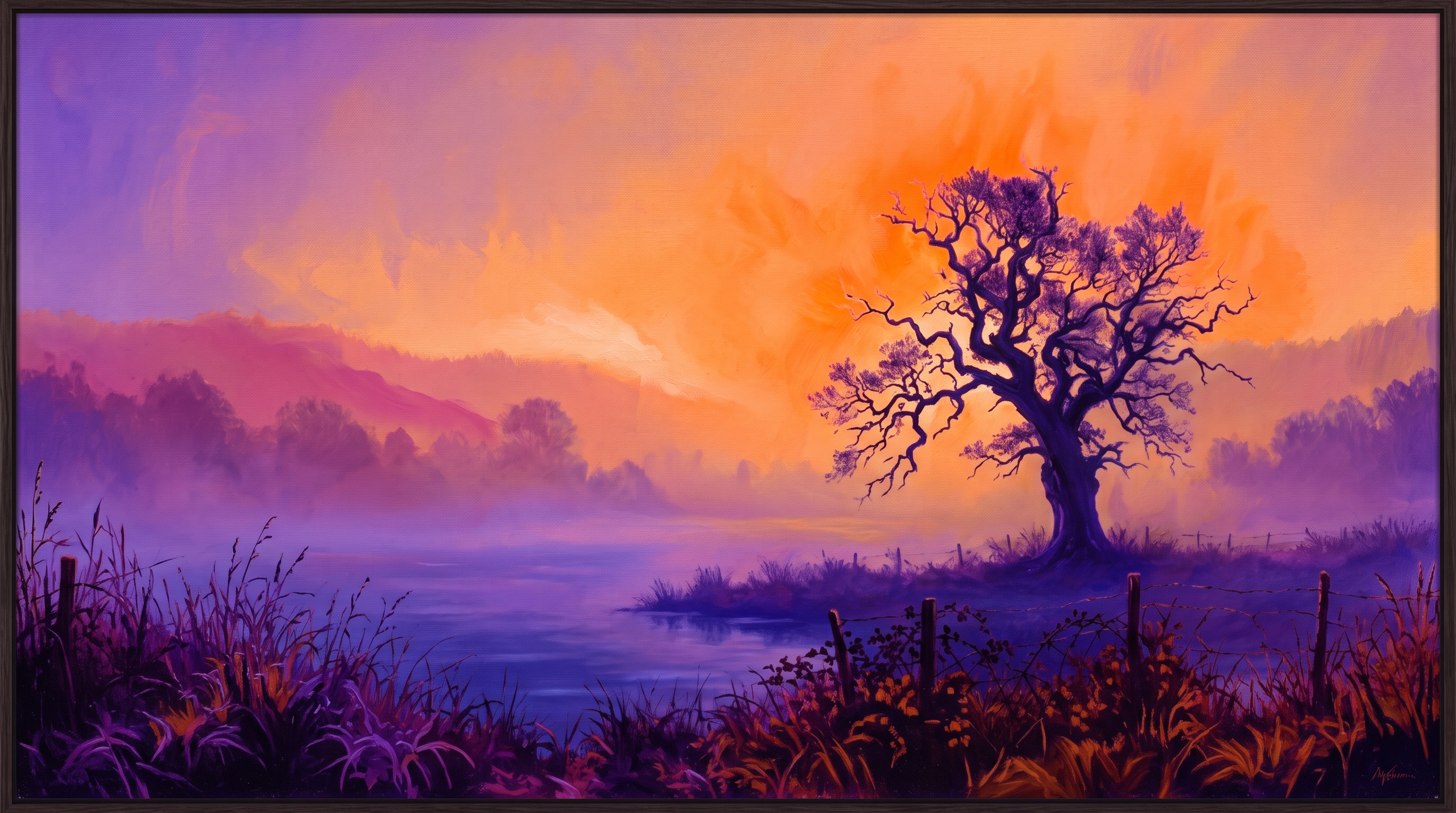
This “pre-flight” check ensures that your color choices will support the mood of the composition, saving you hours of “muddying” your canvas later.
Addressing the “Ethics” of AI in Fine Art
A common concern for traditional painters is: Is it still my art?
The answer lies in intent. Using AI as a composition tool is no different than using a mannequin to study anatomy or a grid system to transfer a sketch. The AI provides a suggestion, but the human artist makes the ultimate decisions on:
- Edge Control: Where to soften and where to sharpen.
- Brushwork: The physical texture and “hand” of the artist.
- Simplification: AI often adds too much detail; the painter’s job is to remove the “noise” and keep the “soul” of the piece.
Case Study: The Landscape Painter’s Journey
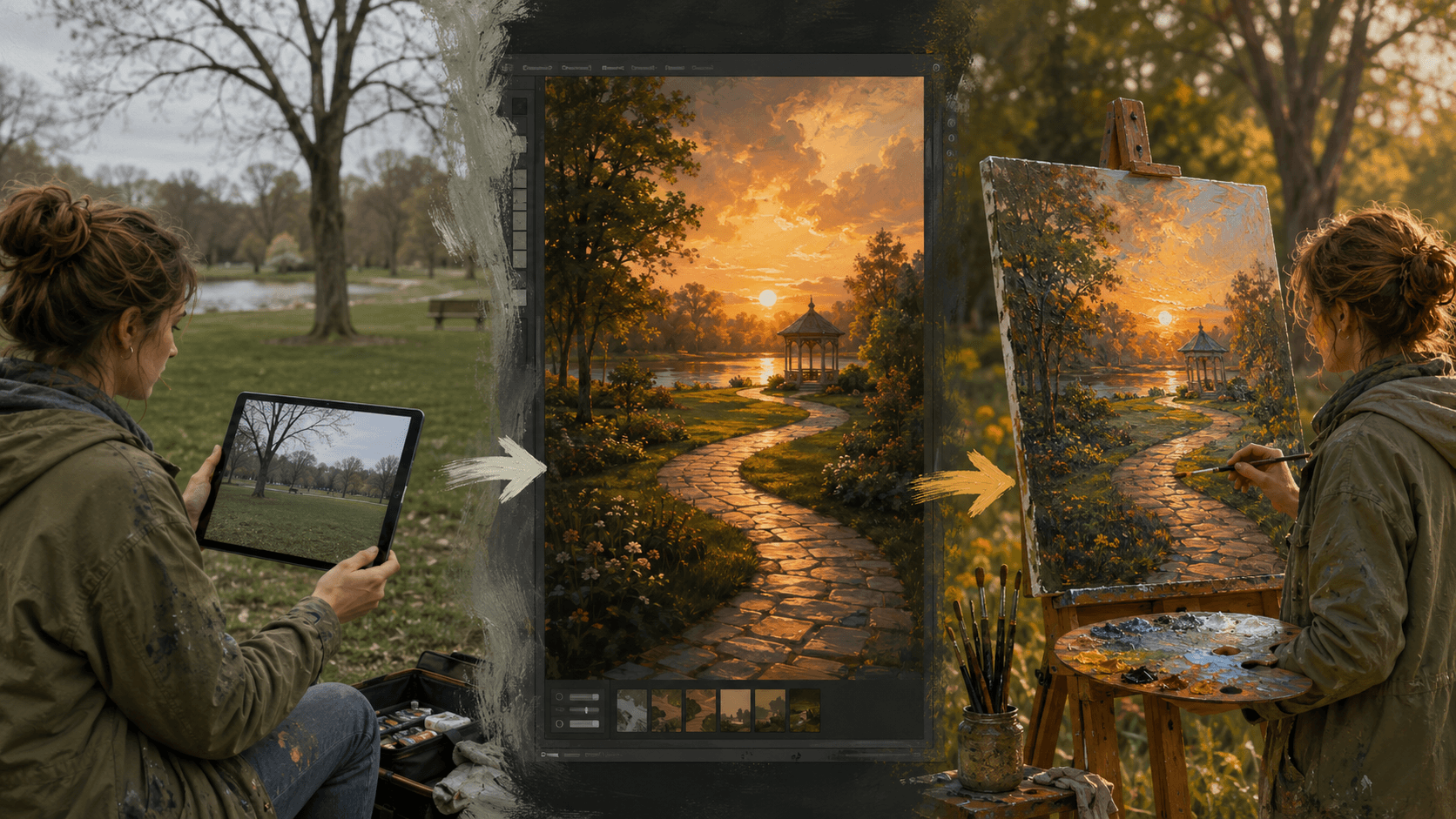
Imagine a painter, Sarah, who wants to paint a local park.
- The Problem: The park is flat and lacks a strong focal point.
- The AI Intervention: Sarah takes a photo of the park and uploads it to an AI tool. She uses a “Style Transfer” or “Image-to-Image” prompt: “Add a winding stone path leading to a small gazebo, cinematic sunset light.”
- The Result: The AI generates a composition where the path creates a perfect “S-curve,” leading the eye to the gazebo.
- The Painting: Sarah takes this generated reference to her easel. She uses her traditional skills to paint the scene, but the composition is far stronger than her original photo ever could have been.
Tools for the Traditional Artist
You don’t need to be a tech expert to start. Here are the most “painter-friendly” AI tools in 2026:
- Midjourney: Best for “vibe” and lighting inspiration. It produces the most “painterly” results that feel like real art.
- Adobe Firefly (inside Photoshop): Best for “Generative Fill.” Perfect for adding or moving elements in your own reference photos.
- Vizcom: A unique tool that turns your rough hand-drawn sketches into rendered images, helping you see the potential of a thumbnail in seconds.
Tips for Success: Avoiding the “AI Look”
The biggest trap for painters using AI is copying the reference too literally. AI images often have “uncanny” details or impossible physics.
- Look for Shapes, Not Details: Focus on the large “masses” of light and shadow the AI generates.
- Correct the Perspective: AI can sometimes hallucinate vanishing points. Always double-check the perspective with a ruler before transferring to canvas.
- Infuse Human Emotion: AI doesn’t know why a sunset is sad or a forest is inviting. That emotional layer must come from your brush.
Conclusion: Embracing the “Hybrid” Era
The “Traditional vs. Digital” divide is disappearing. By using AI as a composition tool, traditional painters can spend less time struggling with “where things go” and more time enjoying the act of applying paint to a surface.
It is a bridge between the logic of a machine and the passion of a human. In 2026, the most prominent painters aren’t those hiding from technology—they are those using it to push their creativity further than ever before.
A I Surant
Lemmy
Guest Contributor
Continue exploring
PROMINENT PAINTING
Keep your creative momentum
Get new painting guides, practical techniques and artist stories delivered without the noise.
Occasional emails. Unsubscribe whenever you like.