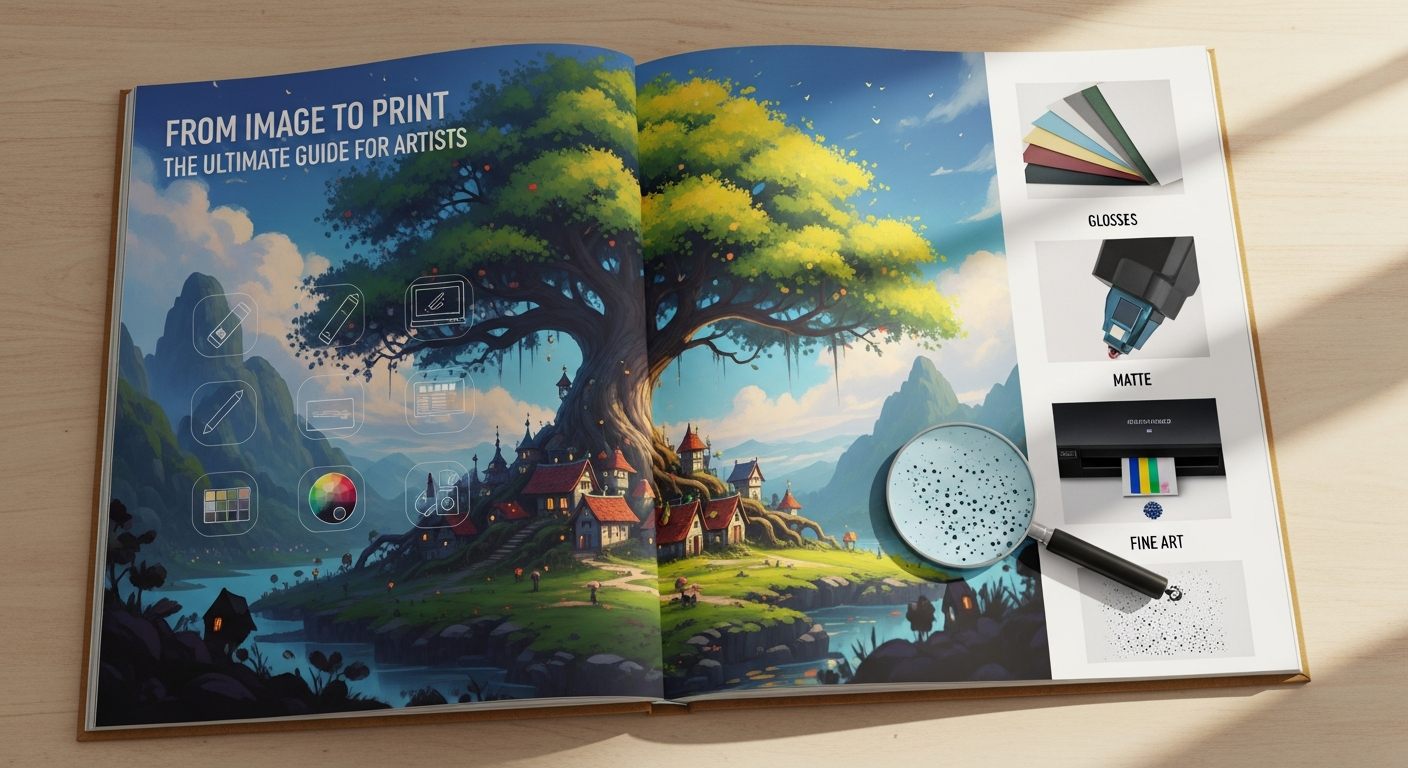
Turning a beautiful image into a print is one of the most satisfying parts of creating art. Whether you’re a painter, digital artist, or illustrator, knowing how to go from image to print means your work can be shared, sold, or simply enjoyed in printed form.
Key points summary:
- What “from image to print” really means and why it matters
- Different printmaking and repro techniques (digital, giclée, screen, traditional)
- Technical steps to prepare your image for printing
- How to choose the right printing method for your goals
- Tips for quality control, presentation, and protecting your prints
What Does “From Image to Print” Mean — and Why It Matters
When people talk about from image to print, they usually mean converting a visual (like a painting, drawing or digital artwork) into a format that can be physically printed — posters, limited edition art prints, or printed products.
Why is this process so important?
- It helps artists turn work into sellable items.
- Prints let you reach more people without giving away your original.
- High-quality prints preserve your image’s detail, colour and feel.
- It opens up creative possibilities: you can make giclée prints, do screen printing, or even traditional printmaking.
Three Common Ways to Go From Image to Print
Here are some of the main approaches for turning an image into a print — each with its own benefits and challenges:
| Method | Description | Strengths & Challenges |
|---|---|---|
| Digital / Giclée Printing | Use a high-resolution scan or photo, then use an inkjet printer (often with archival inks) to produce prints. | Strengths: Very detailed, rich colours, archival quality. Challenges: Requires high-resolution files, can be expensive, needs good paper. Giclée printing uses fine-art pigment inks. (Wikipedia) |
| Screen Printing (Serigraphy) | Separates your image into colour channels and prints layer by layer using silkscreens. | Strengths: Great for bold graphic styles, multiple copies, durable inks. Challenges: Needs halftone separation, registration, and careful prep. See CMYK process guide. (lccprintmaking.myblog.arts.ac.uk) |
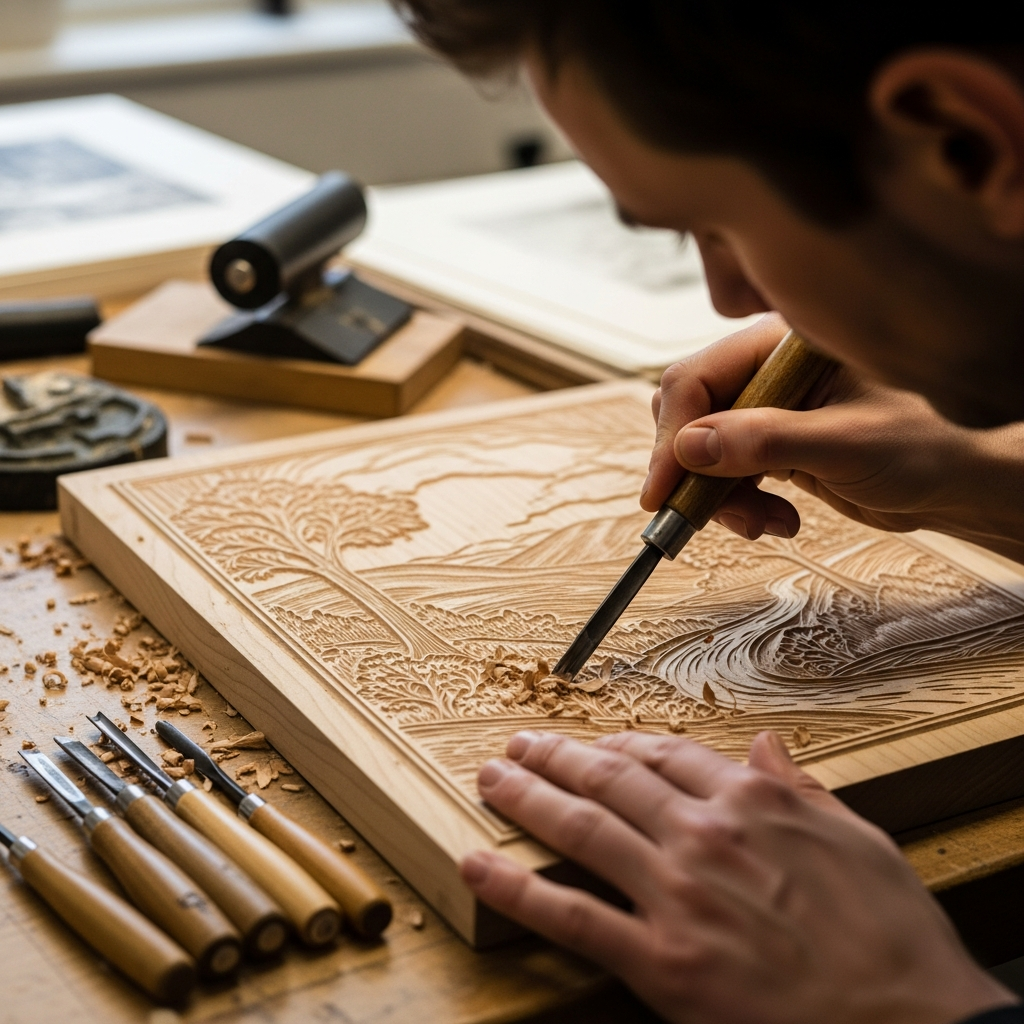
| Traditional Printmaking | Methods like woodcut, drypoint, lithography, chine-collé, etc. | Strengths: Handcrafted feel, artistic uniqueness. Challenges: More technical, need a press or special tools. E.g., woodcut involves carving wood to transfer image. (Wikipedia) Drypoint is where artists scratch into a plate to make prints. (Wikipedia) Chine-collé lets very fine paper be bonded in the printing process. (Wikipedia) |
Step-by-Step: How to Turn Your Image into a Print
Here’s a practical guide to go from image to print, covering both digital and traditional methods.
1. Capture or Scan Your Image
- For traditional art: Use a flatbed scanner if your work fits, or photograph it with good lighting.
- For digital work: Export the file in a high-resolution format (e.g., TIFF or PNG).
- Ensure good quality: The higher your resolution, the better your final print. When planning to print, aim for 300 DPI to preserve clarity. (Prominent Painting)
2. Prepare Your File
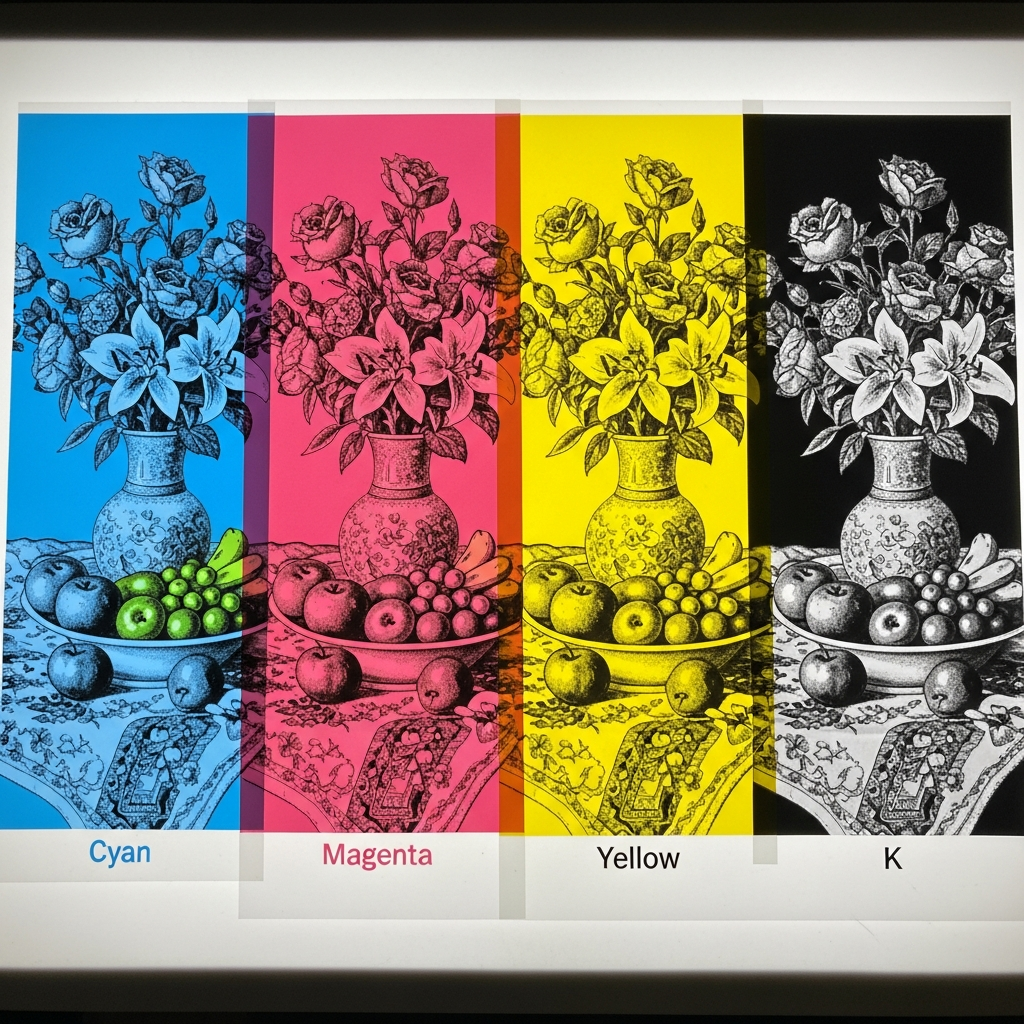
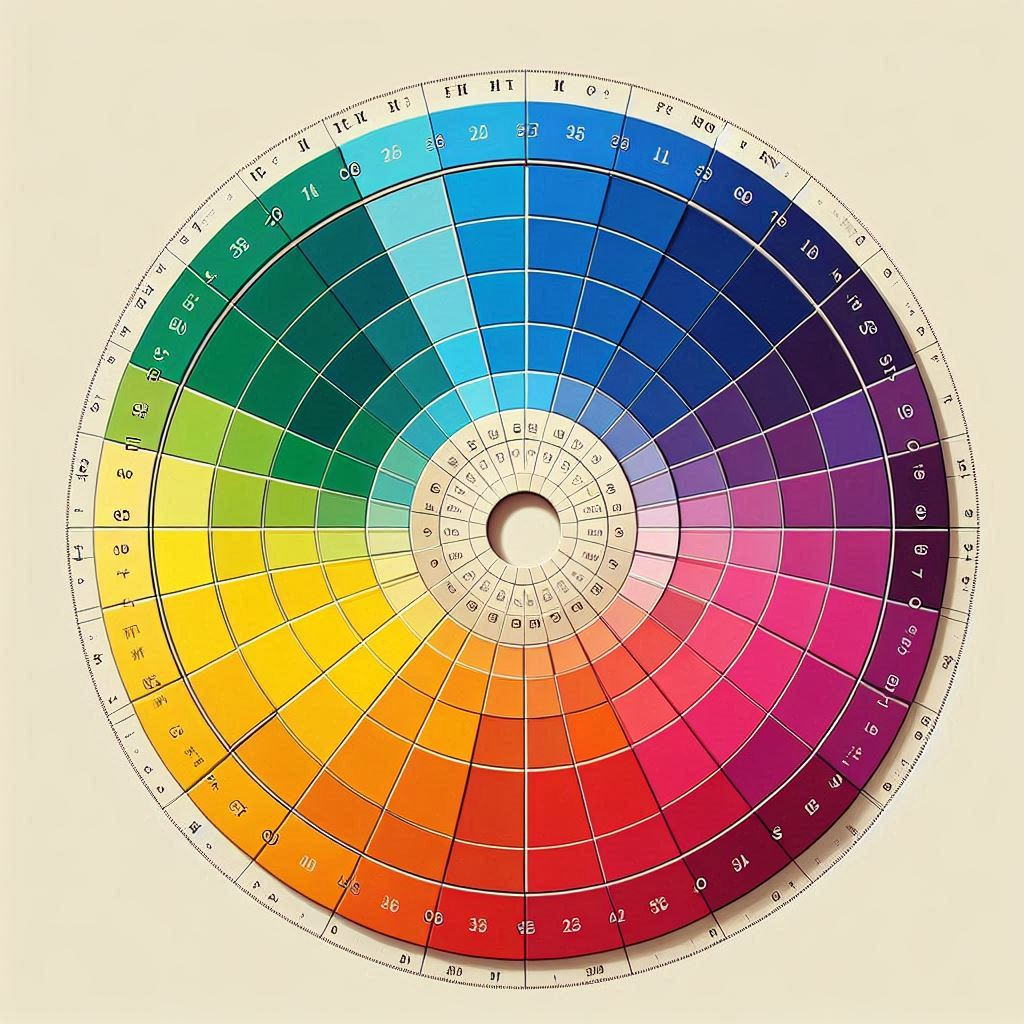
- Colour mode: If you’re doing print work, convert your image to CMYK (cyan, magenta, yellow, black), because most printers use that. (lccprintmaking.myblog.arts.ac.uk)
- Clean up: Fix dust, stray marks, or unwanted background elements.
- Halftone / Separations (for screen printing): Break down your image into channels, convert to bitmap, set frequency (lpi), and choose angles for each colour. (lccprintmaking.myblog.arts.ac.uk)
- File format: Save as TIFF for maximum quality, or a high-quality PDF depending on what your print shop requires. Some screen printing workflows use film. (Wikipedia)
3. Choose the Right Print Method
Here’s how to decide:
- Want museum-quality fine art? → Go for a giclée print using archival pigment inks. (Wikipedia)
- Making graphic prints, posters or limited runs? → Use screen printing.
- Love traditional printmaking? → Try woodcut, drypoint, or lithography.
4. Proof and Test
- Print a test copy first on the same paper or substrate you plan to use.
- Check colours, contrast, and sharpness.
- Ask: “Does this capture the soul of my original image?”
- Make any final edits (e.g., brightening, changing contrast).
5. Final Printing
- For digital / giclée: Use a professional print studio or online fine-art printer.
- For screen printing: Register and pull your screens, then print in sequence.
- For traditional printmaking: Ink your plate (wood, metal, stone, etc.), run it through the press, and carefully produce your edition.
6. Presentation & Protection
- Use archival materials: acid-free paper, high-quality mounting boards.
- Use UV-protective glazing when framing to prevent fading. (Prominent Painting)
- Consider adding texture: a clever trick is to apply a clear acrylic medium (like Mod-Podge) to the surface of your print to simulate brushstrokes or texture. (Prominent Painting)
- Choose smart framing options (budget or premium) depending on how important the print is to you or your buyers.
Why Understanding “From Image to Print” Helps You Grow as an Artist
Learning how to convert images into prints isn’t just a technical skill — it’s a creative superpower.
- Artistic control: You decide how your vision translates in print — what colours, texture, and size you want.
- More reach: Print versions of your work can be shared, sold, or given away more easily than original paintings.
- Revenue opportunity: As the creator, you can make limited editions or open editions, depending on your strategy.
- Legacy: High-quality prints (especially giclée) can last for decades, preserving your work beyond the digital realm.
Common Challenges (and How to Solve Them)
Here are typical problems artists face when going from image to print, plus solutions:
- Prints come out too dark or washed out
- Fix: Adjust brightness or contrast in your file; run a proof first.
- Colours don’t match expectations
- Fix: Use a calibrated monitor; ask your printer for a colour-proof.
- Scanned image is too low resolution
- Fix: Re-scan at higher DPI or take a better-quality photo; design for final print size from the start.
- Screen-printing registration issues
- Fix: Use registration marks, align your screen layers carefully, and take time on separation set-up.
- Print fading over time
- Fix: Use archival inks and paper; use UV-filter glazing. (Prominent Painting)
A Real-World Example: Digital Art → Giclée Print
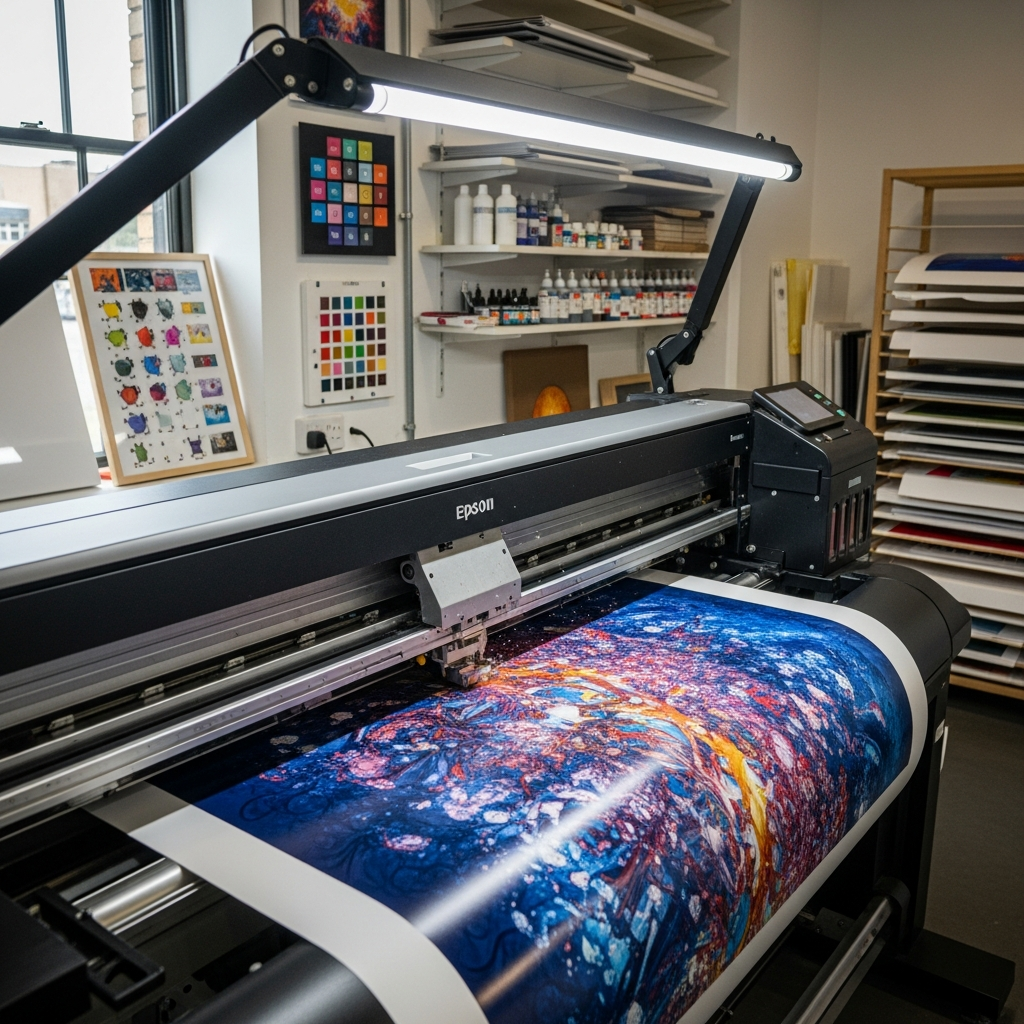
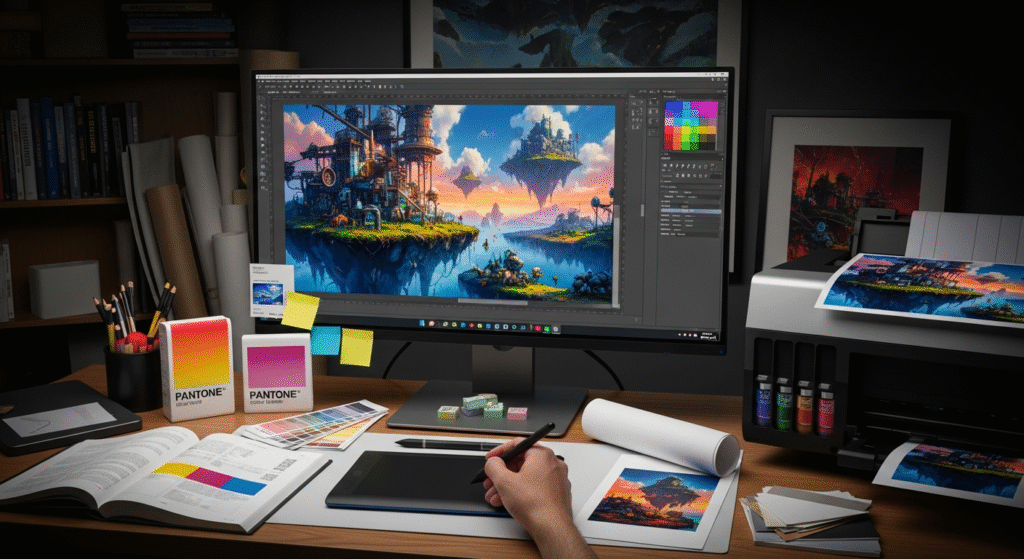
Let’s say you’ve made a digital illustration in Procreate or Photoshop and you want to make limited-edition art prints.
- Export your image at 10,000 × 8,000 pixels (for example) — ensuring high resolution.
- Convert to CMYK if your printer needs it.
- Send a test proof to a fine-art print studio.
- Once you’re happy, order a batch of giclée prints on archival paper.
- Add protective varnish or texture if you like.
- Frame using quality frames and UV-protective glass (or acrylic).
- Number and sign your edition if it’s limited — this adds value and authenticity.
Extra Techniques & Printmaking Styles to Explore
- Chine-collé: A technique where thin delicate paper is glued during printmaking for extra detail or texture. (Wikipedia)
- Mokulito (Wood Lithography): An exciting way to draw on wood and make lithographic prints. (Wikipedia)
- Drypoint: Etch or scratch into a plate to get expressive lines and soft burrs. (Wikipedia)
- Relief Printing (Woodcut): Carve away what you don’t want, ink the surface, and print. (Wikipedia)
Why “From Image to Print” Is a Great Skill for Modern Artists
- In the digital age, many artists start with screens (tablets, computers), but final prints still matter.
- Print-on-demand platforms let you turn your art into products (t-shirts, mugs, posters). Our guide to Turning Digital Art Into Print-On-Demand Products dives deep into that. (Prominent Painting)
- Prints give you physical presence: your work exists in the real world, not just on a screen.
- You can use your prints for galleries, online shops, or limited editions — diversifying your artistic income.
- Learning printmaking builds your artistic vocabulary: you’ll understand more about texture, ink, and reproduction.
From Image to Print – Step-by-Step Video Tutorial
This video offers a clear walkthrough on preparing your artwork for professional printing. If you’re learning how to go from image to print, this is a must-watch.
Best Print-On-Demand Services for Artists
| Service | Why It’s Great | Link |
|---|---|---|
| ThePrintSpace | High-end giclée & gallery-quality printing. Ships internationally. | Visit |
| Printful | Integrates with Etsy, Shopify & more. Great for beginners. | Visit |
| Printify | Large network of suppliers; competitive pricing. | Visit |
| Redbubble | Easy-to-use marketplace for beginners. | Visit |
| Society6 | Specializes in art prints & wall art. | Visit |
Download Your Free Print-Ready Checklist
This checklist helps you avoid common mistakes and ensures your artwork prints beautifully every time. Perfect for artists moving from image to print.
📥 Download Print-Ready Checklist (PDF)Quick Preview: Print-Ready Checklist
- ✔ High-resolution file: 300 DPI or higher
- ✔ Correct colour mode: CMYK (unless printer requires RGB)
- ✔ File format: TIFF / PNG / PDF (print-ready)
- ✔ Bleed added: 3mm (or as required)
- ✔ All fonts outlined or embedded
- ✔ No low-resolution elements
- ✔ Colour proof or test print completed
FAQs:
Q: What file format is best when converting an image to print?
A: Use a high-resolution format like TIFF or a print-ready PDF. Make sure it’s sized correctly (e.g., at 300 DPI for prints).
Q: What is a giclée print?
A: A giclée is a fine-art inkjet print made with archival pigment inks, often on high-quality paper. (Wikipedia)
Q: Can I use my phone photo to make quality prints?
A: Yes — but make sure it’s high resolution, well-lit, and colour-corrected. Then prepare it properly for printing.
Q: Is screen printing better than digital printing?
A: It depends! Screen printing is great for bold, graphic work and large runs. Digital/giclée printing is better for detailed, multi-colour, fine-art work.
Q: How do I protect my prints so they last?
A: Use archival inks, good-quality paper, UV-filter glazing, and stable framing. (Prominent Painting)
Final Thoughts
Mastering the journey from image to print transforms your art practice. It means your creations can live off the screen or canvas — as editions, products, or gallery pieces. Whether you choose giclée printing, screen printing, or traditional printmaking, knowing how to prepare, proof, and present your work helps you control quality, value, and creativity.
When you understand this process, you don’t just make art — you make art that lasts, sells, and connects. Take the time to learn, experiment, and choose wisely. Your images deserve to become prints that reflect your vision perfectly.
Citations
- Giclée (fine-art inkjet) printing (Wikipedia)
- Screen printing image-preparation and CMYK separations (lccprintmaking.myblog.arts.ac.uk)
- Woodcut technique (Wikipedia)
- Chine-collé printing method (Wikipedia)
- Guide to modern art prints (affordable & archival) (Prominent Painting)
- Turning digital art into print-on-demand products (Prominent Painting)
- Art conservation / preserving prints (Prominent Painting)