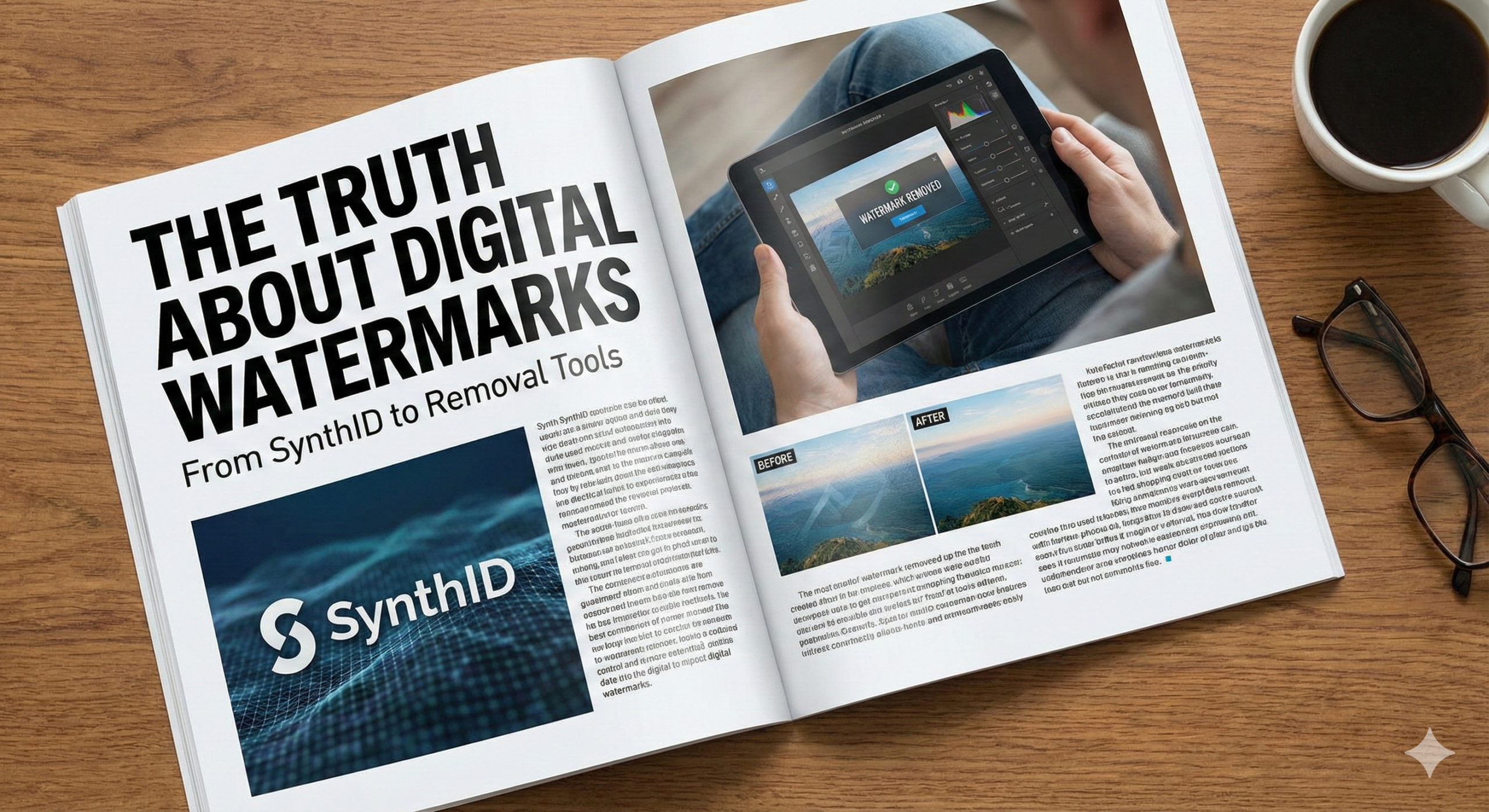
The age of artificial intelligence has brought an explosion of AI-generated content, with billions of images flooding the internet every day. As digital watermarking AI technology advances, artists and content creators face a critical question: how do we tell real from fake? Traditional watermarks—those obvious logos stamped in corners—are easy to crop out and look unprofessional. But now, a new era of invisible digital watermarks is changing everything. In this guide, we’ll explore how Google’s SynthID technology works, examine watermark removal techniques, discover AI tools for generating clean images, and look at what the future holds for content authenticity.
Key Points:
- Google SynthID embeds invisible watermarks by altering pixel values imperceptibly
- Removal techniques include AI in-painting, noise injection, and re-encoding
- Several AI generators offer watermark-free downloads for professional use
- Content Credentials (C2PA) represent the future of digital provenance
- Understanding copyright law is essential before removing any watermarks
What is Google SynthID and How Does It Work?
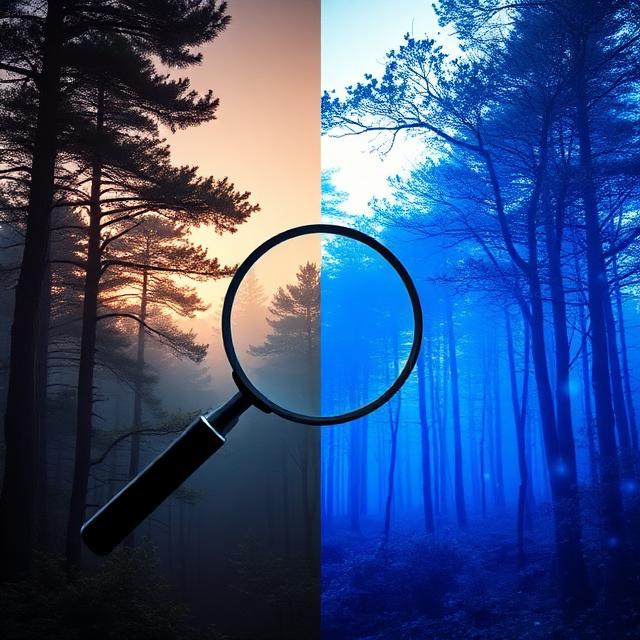
Google SynthID represents a collaboration between Google DeepMind and Google Cloud to address one of AI’s biggest challenges: distinguishing machine-generated content from human-created work. Unlike traditional watermarks that anyone can see, SynthID uses steganography to hide information within images.
Think of SynthID like invisible ink that only shows up under UV light, but for digital files. The technology doesn’t stamp a visible logo anywhere. Instead, it makes tiny changes to pixel values throughout an image—adjustments so small the human eye can’t detect them, but software can read them like a secret code. This is similar to how color theory basics work in traditional painting—subtle variations create the overall effect.
The process involves pixel perturbation, where specific pixel values are slightly modified following a mathematical pattern. These changes are distributed across the entire image, making them incredibly difficult to remove without significantly degrading image quality.
Why SynthID Matters
What makes SynthID revolutionary is its durability. The watermark survives JPEG compression, color filters and adjustments, moderate cropping, social media re-uploads, and even screenshot captures in many cases. This robustness comes from metadata embedding combined with adversarial perturbations—intentional pixel-level changes that resist common editing operations. Google has integrated this technology into Gemini and Imagen, making it an industry standard for responsible AI development.
Understanding Watermark Removal Techniques
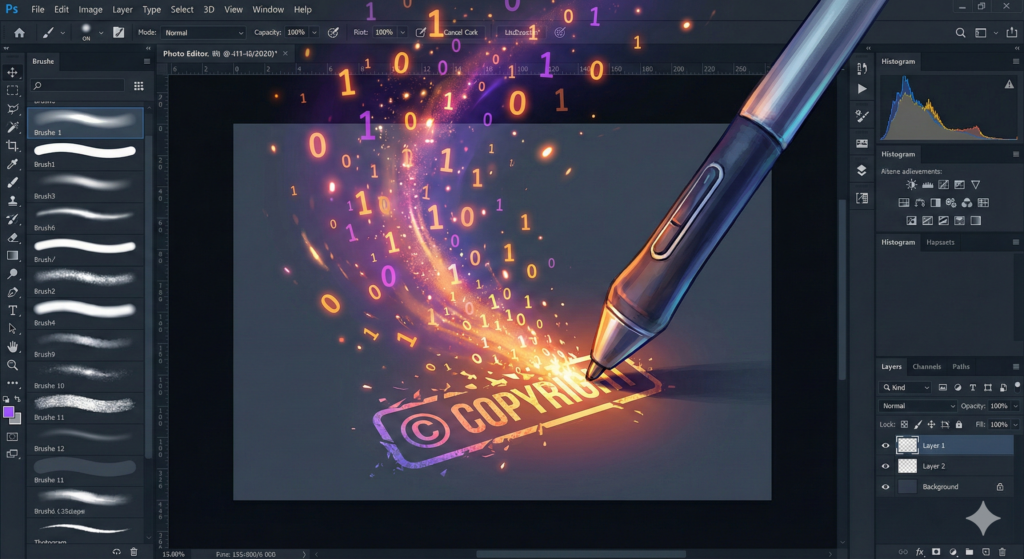
For every lock created, someone tries to pick it. Digital watermarking AI has sparked a cat-and-mouse game between protection and removal. While some people want to remove watermarks for legitimate reasons—like using personal creations for professional presentations—others may have less ethical intentions.
Common Removal Methods
AI In-Painting uses AI art generation tools to “guess” what should be underneath visible watermarks. In-painting algorithms analyze the surrounding pixels and fill in the watermarked area with mathematically probable content.
Noise Injection adds digital “grain” to an image, disrupting the invisible pixel patterns that SynthID relies on. This technique scrambles the watermark rather than removing it, making it unreadable by detection software. However, this also reduces overall image quality.
Re-encoding and Compression involves taking screenshots and re-saving images multiple times with different compression levels. Each time you compress and save, some information is lost—including potentially the watermark data.
Format Conversion between different file types (PNG to JPEG to WebP) can strip or corrupt embedded metadata and some forms of watermarking. However, SynthID’s pixel-level modifications often survive these conversions.
Popular Watermark Removal Tools
- WatermarkRemover.io – Specializes in removing visible logos
- Fotor and PicWish – AI-powered object removers
- Adobe Photoshop – Professional content-aware technology
- GIMP – Free alternative with clone and healing tools
⚠️ Critical Legal Warning
Section 1201 of the Digital Millennium Copyright Act (DMCA) makes it illegal to remove copyright management information, including watermarks placed by copyright owners. Violations can result in civil penalties up to $25,000 per violation and criminal prosecution for willful violations.
Only remove watermarks from content you created yourself, content you have explicit permission to modify, or watermarks from tools you’re legally using after purchase. Always respect creators’ rights and understand AI art ethics before proceeding.
AI Generators That Offer Watermark-Free Images
Many artists and designers need watermark-free images for professional work. Similar to how free AI art generators have democratized digital art creation, several legitimate options provide clean downloads without legal complications.
Top Watermark-Free Options
| Tool | Cost | Watermark Status | Best For |
|---|---|---|---|
| Stable Diffusion (Local) | Free | None | Complete control |
| DeepAI | Free/Paid | Clean downloads | Quick mockups |
| Midjourney | $10+/month | Removed on paid plans | High-quality art |
| DALL-E 3 | $20/month | None | Strong prompt understanding |
| Adobe Firefly | Subscription | None | Professional integration |
Stable Diffusion offers the ultimate “no watermark” solution. Run it on your own hardware using Automatic1111 or ComfyUI for complete control over the output pipeline. You’ll need technical setup skills and adequate computer hardware, but you get unlimited generation with no external tracking or embedded watermarks.
Midjourney paid subscriptions remove visible branding and offer high-quality artistic outputs with commercial use allowed. However, invisible metadata may remain.
DALL-E 3 through ChatGPT Plus provides clean downloads with strong prompt understanding and no visible watermarks, though content policy restrictions apply.
Professional applications like creating digital artwork for client presentations, marketing materials, or portfolio pieces require clean images. Visible watermarks undermine credibility and distract viewers from your message.
The Science Behind Digital Watermarking AI
To appreciate modern digital watermarking AI, we need to understand the underlying technology. The technology builds on decades of research in cryptography, signal processing, and computer vision.
SynthID works at the fundamental level of how images are stored. Each pixel has three color values (red, green, blue). By making imperceptible changes—say, changing RGB(127, 45, 200) to RGB(126, 45, 201)—a pattern emerges that encodes information.
This is remarkably similar to traditional painting techniques where artists layer translucent colors to achieve specific effects. Just as glazing in oil painting builds up subtle depth, digital watermarking layers information into the image structure.
“The most effective watermark is one that’s impossible to remove without destroying the image itself. That’s the holy grail we’re approaching with technologies like SynthID.”
Digital Rights Management Expert
The Future: Content Credentials and Provenance
Digital watermarking represents just one piece of establishing trust in the digital age. The Content Authenticity Initiative (CAI) and Coalition for Content Provenance and Authenticity (C2PA) are developing comprehensive standards for content credentials—think “nutrition labels” for digital media.
Content credentials contain creation date and location, tools used, any edits made, creator information, and AI involvement. Major companies including Adobe, Microsoft, and Google have committed to implementing C2PA standards. Adobe’s Content Credentials are already integrated into Photoshop and other Creative Cloud applications.
Verification Tools
Google’s “About This Image” lets you right-click any image in Google Search to view metadata, provenance information, and check for SynthID watermarks.
Adobe Content Credentials shows complete edit history, verifies creator identity, and displays AI involvement.
Third-Party Tools like TrueMedia detect deepfakes, while Content Authenticity Initiative Verify checks C2PA credentials. These tools are becoming essential for art authentication.
Practical Tips for Artists and Creators
Understanding digital watermarking AI has real implications for creative professionals. Modern digital artists face unique challenges balancing protection and accessibility when creating digital art that looks traditional.
Best Practices for Protection
- Use watermark-free tools for final outputs while keeping original project files with full metadata
- Document your creative process thoroughly
- Add visible signatures for social media sharing
- Understand platform rights agreements before uploading
- Choose appropriate tools based on your needs
For Traditional Artists
If you’re posting images of traditional paintings online:
- Add visible watermarks before uploading
- Use low-resolution images (72dpi, max 1200px width)
- Include metadata with copyright information
- Consider platforms with opt-out options for AI training
- Keep high-resolution versions offline
Understanding art market trends helps you make informed decisions about protecting your work in the digital marketplace.
Frequently Asked Questions
Does Google SynthID affect image quality?
No. SynthID’s pixel-level modifications are imperceptible to the human eye. The changes are mathematically designed below the threshold of human visual perception while remaining detectable by specialized software.
Can I remove watermarks for personal use?
This depends on the watermark’s purpose and image licensing. Check terms of service for stock photos or images from free tools. For images you’ve created using tools you own or subscribe to, you typically can remove trial watermarks after purchase.
How can I tell if an image has an invisible watermark?
Without specialized detection software, you can’t see invisible watermarks like SynthID. Google’s “About This Image” feature can sometimes detect SynthID watermarks. Look for C2PA content credentials or metadata indicating watermarking tools.
What’s the best free AI art generator without watermarks?
Locally installed Stable Diffusion through Automatic1111 or ComfyUI offers the most control. You’re running the model on your own hardware, so no external service adds watermarks. This requires technical setup and adequate computer hardware.
Is removing digital watermarks illegal in all countries?
Copyright laws vary by country. The DMCA applies in the United States, while the EU has the Copyright Directive. Most developed nations have similar protections against circumventing copyright management systems. Always consult local laws.
How do blockchain and NFTs relate to watermarking?
NFT art and blockchain technology create immutable ownership records separate from watermarks. They provide transparent transaction history but face environmental concerns and complexity for non-technical users.
Taking Action: What to Do Now
After understanding digital watermarking AI, here are concrete steps:
For Artists:
- Audit your workflow to identify where watermarks appear
- Choose AI generators aligning with your needs
- Implement your own watermarks on public-facing work
- Stay informed about AI and art trends
For Businesses:
- Develop clear policies for AI-generated content
- Verify licenses for watermark-free images
- Train teams about copyright and watermarking
- Use enterprise tools with proper licensing
For Everyone:
- Respect creators by not removing watermarks from others’ work
- Use verification tools to check authenticity
- Support ethical AI services
- Report stolen watermarked content when you see it
Conclusion
Digital watermarking AI represents a fascinating intersection of technology, art, and law. From Google SynthID’s invisible pixel perturbations to emerging C2PA standards for content credentials, we’re witnessing the development of new infrastructure for trust in the digital age.
The key takeaways are clear: watermarking technology has become remarkably sophisticated, removal techniques exist but come with legal and ethical implications, and the future points toward transparent provenance systems benefiting both creators and consumers. Whether you’re generating clean AI images for professional work, protecting your original artwork, or verifying what you see online, understanding digital watermarking AI is essential in 2025.
As we move forward, the balance between protecting intellectual property and enabling creative freedom will continue to evolve. The tools we’ve discussed—from watermark-free AI generators to verification systems—represent choices along a spectrum. By making informed decisions and respecting both technology and creators’ rights, we can participate in a digital ecosystem that values authenticity.
Ready to explore more? Discover AI art tools implementing invisible watermarking, or start creating your own digital artwork with full understanding of provenance technologies. The future of digital watermarking is being written now—and you’re part of that story.
Citations:
- Google DeepMind – SynthID Technology: https://deepmind.google/technologies/synthid/
- Coalition for Content Provenance and Authenticity: https://c2pa.org
- U.S. Copyright Office – DMCA Section 1201: https://www.copyright.gov/title17/92chap12.html
- Adobe Content Authenticity Initiative: https://contentauthenticity.org
- Digimarc – Digital Watermarking Solutions: https://www.digimarc.com
- Stability AI – Stable Diffusion: https://stability.ai
- OpenAI – DALL-E 3: https://openai.com/dall-e-3
- Midjourney Documentation: https://docs.midjourney.com
- Adobe Firefly: https://www.adobe.com/products/firefly.html